
Video walkthrough
Every feature of TimeCues Studio in a short clip — 77 in all, in tutorial order. Watch the whole tour hands-free, or jump to any feature below.
▶ Open the full playlist on YouTube
The Five Workspaces
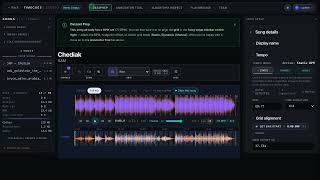
1. Workspace tab strip — watch
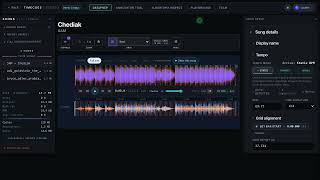
2. Per-workspace info banner — watch
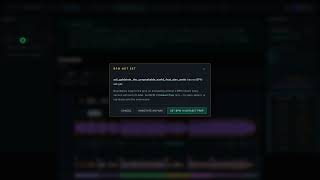
3. BPM not set confirmation dialog — watch
Sign-In & Identity
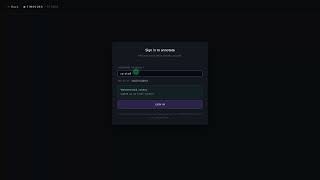
4. Username or email field — watch
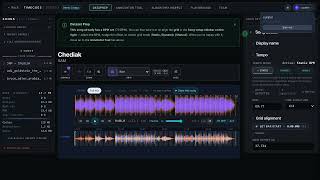
5. Annotator badge dropdown — watch
The Song Sidebar (everywhere)
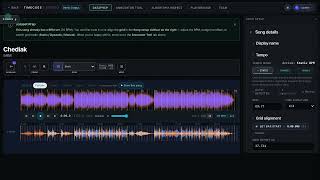
6. Sidebar collapse and resize — watch
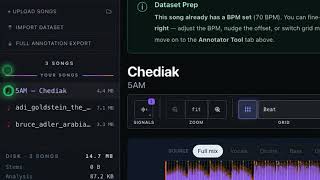
7. Grid-readiness glyph — watch
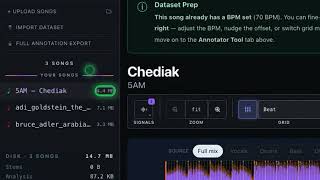
8. Disk usage chip — watch
Song Info Bar
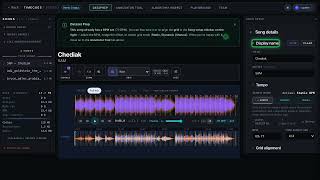
9. Display name (Title + Artist) — watch
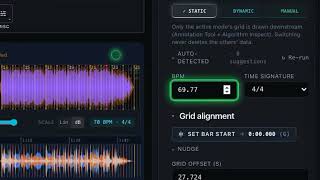
10. BPM field — watch
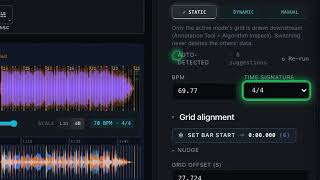
11. Time signature dropdown — watch
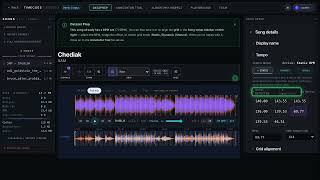
12. Auto-detected tempo chip row — watch
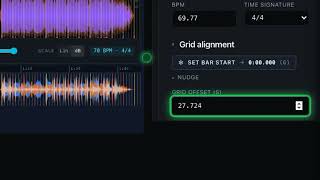
13. Grid offset field — watch
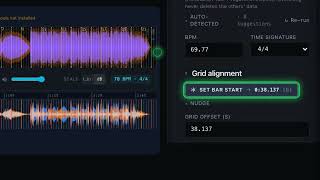
14. Set bar start button — watch

15. Steady grid mode — watch
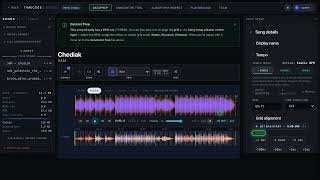
16. Grid nudge row — watch
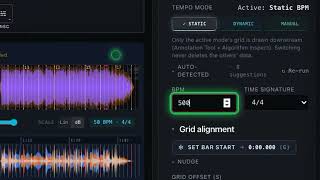
17. BPM warning pills — watch

18. Mapped grid mode — watch

19. Hand-placed grid mode — watch

20. Split the grid at the playhead — watch

21. The grid-segment list — watch

22. Merge two grid segments — watch
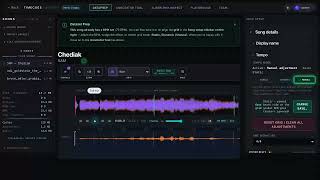
23. Per-beat pin hit zones — watch
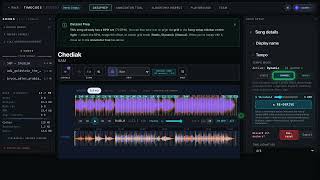
24. Reset Grid button — watch
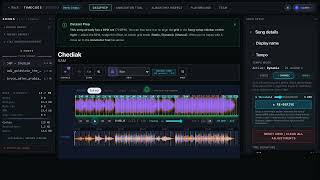
25. Alt-drag to slide grid — watch
Metronome Panel (Dataset Prep)
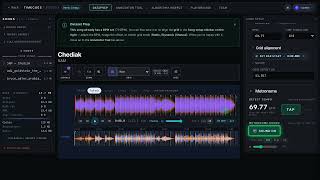
26. Metronome ON/OFF toggle — watch
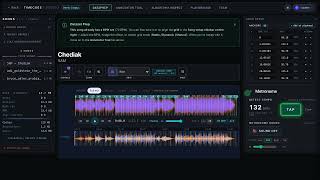
27. Tap tempo finder — watch
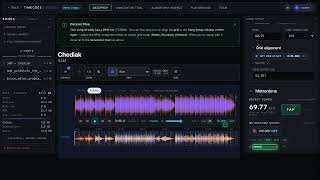
28. Metronome volume slider — watch
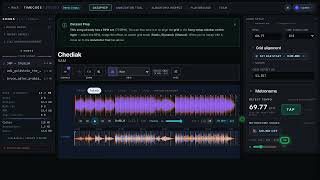
29. Pitch preset buttons — watch
Keyboard Shortcuts
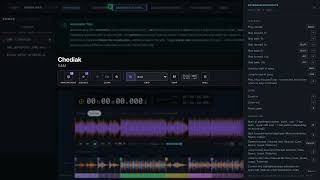
30. Shortcuts drawer — watch
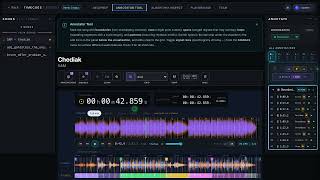
31. Mark at playhead (M) — watch
![32. Step between items ([ and ])](https://img.youtube.com/vi/uFeSjV7qfqA/mqdefault.jpg)
32. Step between items ([ and ]) — watch
Export & Import
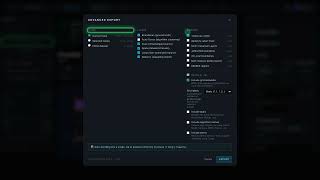
33. Advanced export dialog — watch
The Viz Control Bar
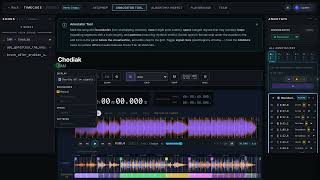
34. Annotations menu — watch
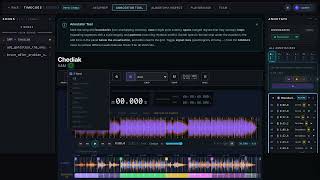
35. Signals dropdown — watch
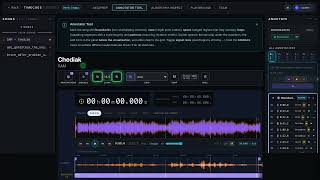
36. Zoom cluster — watch
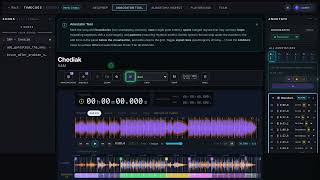
37. Grid toggle — watch
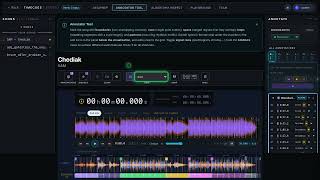
38. Beat-grid unit selector — watch
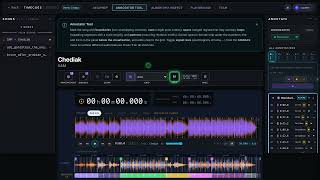
39. Snap toggle — watch
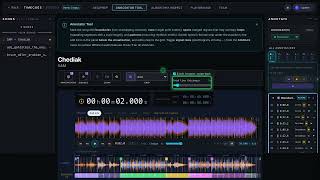
40. Misc dropdown — watch
Settings
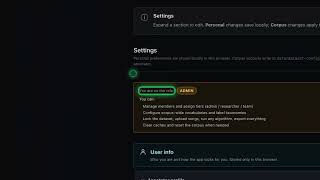
41. Role banner — watch
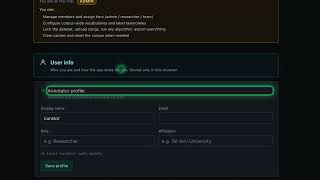
42. Annotator profile — watch
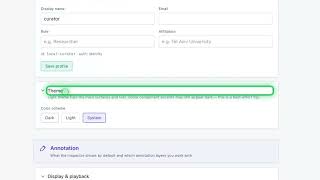
43. Theme — watch
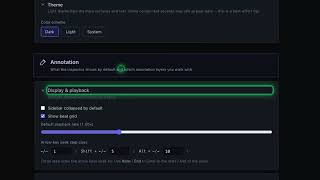
44. Display & playback defaults — watch
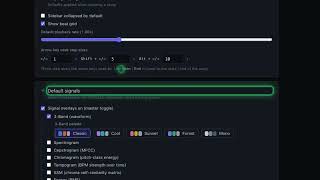
45. Default signals — watch
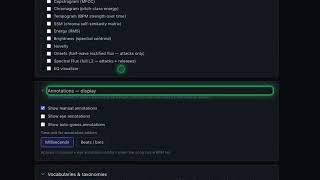
46. Annotations display defaults — watch
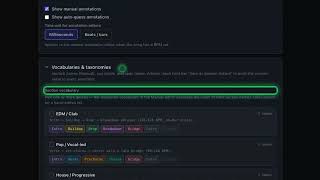
47. Section vocabulary — watch
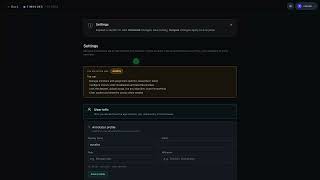
48. Manual Fill default layout — watch
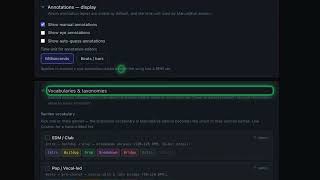
49. Cue & Span taxonomies — watch
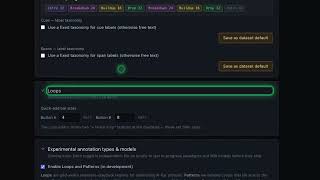
50. Loops quick-add sizes — watch
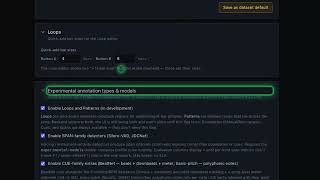
51. Experimental annotation types — watch
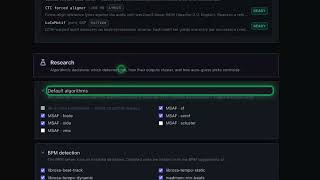
52. Default algorithms — watch
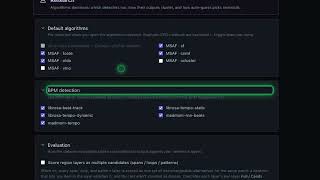
53. BPM detection — watch
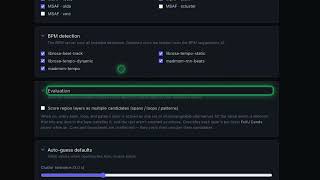
54. Evaluation defaults — watch
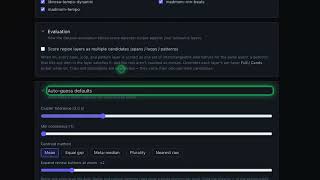
55. Auto-guess defaults — watch
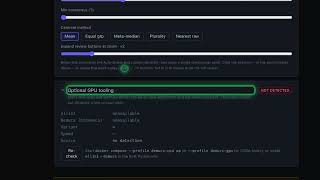
56. Optional GPU tooling status — watch
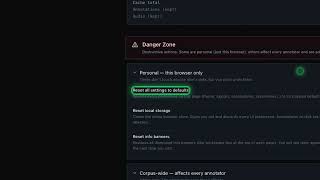
57. Reset all settings — watch
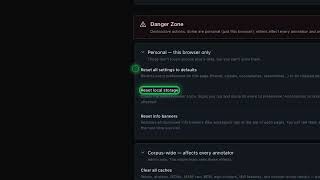
58. Reset local storage — watch
Annotation Workspace
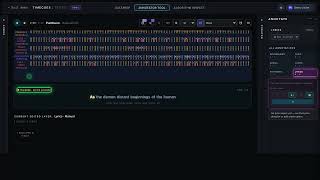
59. Karaoke lyrics view — watch
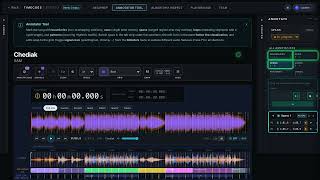
60. Annotation type tabs — watch
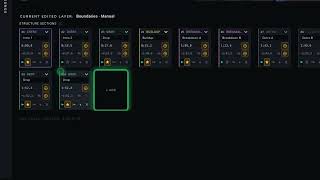
61. Add at playhead chip — watch
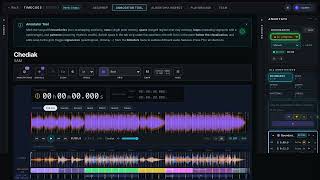
62. Workflow status pill — watch
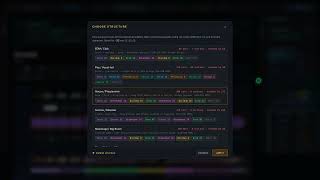
63. Choose structure modal — watch
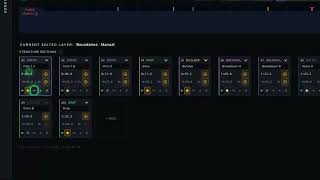
64. Split section — watch
Cue, Span, Loop, and Riff Pattern Layers
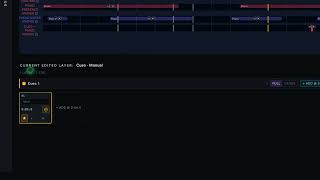
65. Cue layer — watch
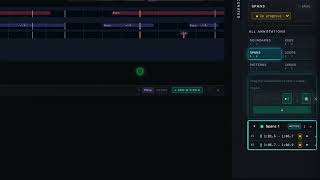
66. Span layer — watch
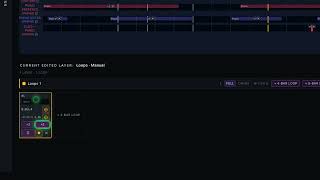
67. Loop layer — watch
Inspect Workspace
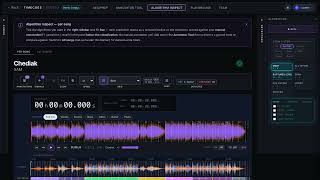
68. Algorithm Inspect — scoring — watch
Inspect All
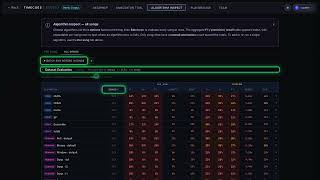
69. Algorithm Inspect — all songs — watch
Custom Detectors
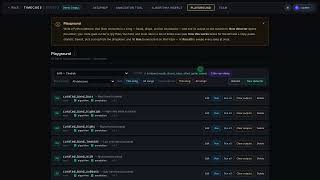
70. Playground — custom detectors — watch
Team Dashboard
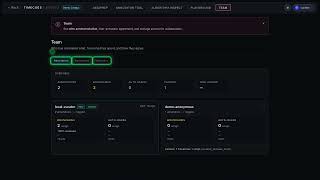
71. Team dashboard — watch
The Shared Visualization Canvas
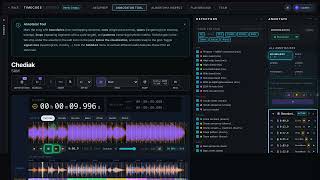
72. Player transport controls — watch
Settings
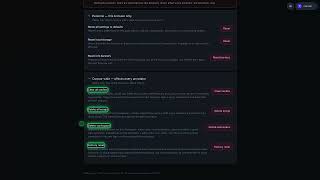
73. Danger Zone — watch
Song Info Bar

74. Pick base grid modal — watch

75. Detect a segment’s own tempo — watch
The Viz Control Bar

76. The Prominence lane — watch
The Shared Visualization Canvas
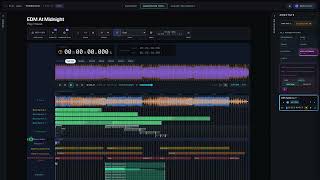
77. Group lanes into a band — watch